October 2026
What’s new in Oaks: getting to know your learners, and the app
A learner-first update. Getting to know you gives every apprentice one profile and a short study-preferences questionnaire, and tutors can see both on the task. A delivery plan item such as Induction can become a task, with the name and KSBs already filled in. The My Tasks count only shows work still to do. And the Oaks app, for learners only, opens for beta testing and feedback in 2027.
Released on 16 October 2026
One getting-to-know-you task, and both parts of it
Each learner receives Getting to know you once. It is created when enrolment is complete, or when a tutor adds it. A second enrolment does not create another, and a tutor cannot add it again under another name.
The task has two parts, and the task page says so:
- The one-page profile opens on its own page, so it is no longer squeezed into the task. Every question is optional, and a learner can complete it before a tutor is assigned. The prompts explain what you are asking for: how sound, light, touch, smell or a busy room affects them, what other people might notice when they are stressed, and anything to know before the first workshop.
- Study preferences are four short questions about how they like to learn at work. There is no single right answer. The titles sit inside each card, lined up with the options.
Saving the profile marks the task as submitted. The study preferences are sent to the tutor as well. On the assessment log, the tutor sees the profile and each study-preference answer, including the option the learner picked.
Start a task from the delivery plan
When you add a task, From the delivery plan lists the items on that learner’s plan, such as Induction. Choosing one fills the task title and selects the KSBs already chosen on that item. You then complete the description, dates, assessment method and anything else that belongs to this learner.
If the learner has their own delivery plan, the list uses that. If they do not, it uses the course delivery plan. A task template can still be loaded afterwards.
The learner, line manager and tutor can all sign
A delivery plan can now be signed in turn by the learner, their line manager and the tutor. Oaks shows who has signed and who is still to sign, and a reminder can go to the person who is next. The signed plan, including the signatures, exports with the delivery plan spreadsheet.
My Tasks counts only what is left to do
The number beside My Tasks now matches the work still for the learner: Needs your attention and To do.
Tasks already with the coach, and tasks that are complete, stay on the programme page. They no longer add to the badge. The same count is the “tasks awaiting you” line on the learner dashboard.
A learner support profile for the whole cohort
The new Learner support profile report brings together what you need before the first workshop: ESOL, disability or a learning difficulty, under 19, deprived postcodes (decile 1–3), and the flags learners add on their getting-to-know-you profile. Filter by course, tutor or flag, and download a CSV.
Beta in 2027, for testing and feedback
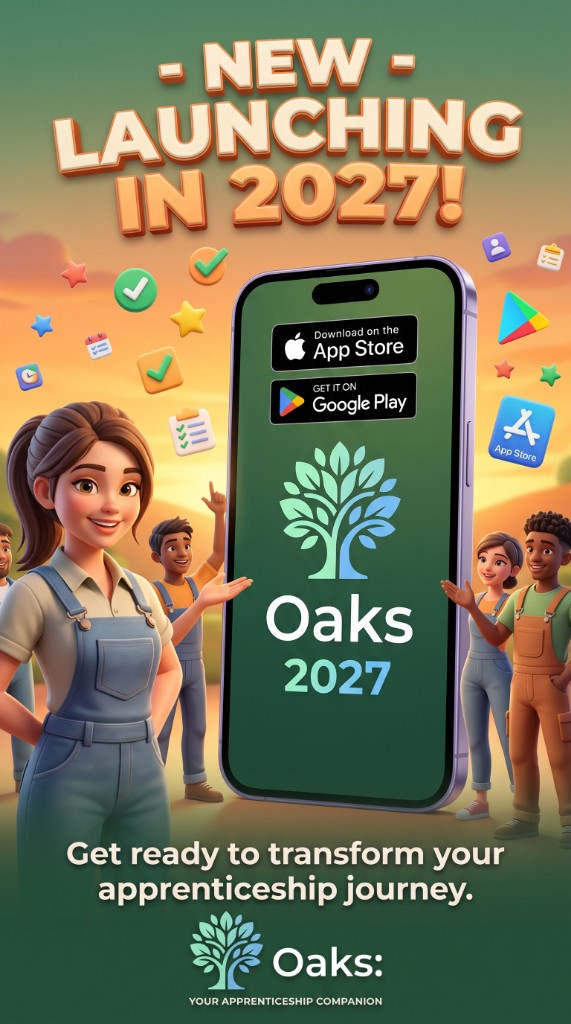
The Oaks app is for learners only. It is not a tutor or employer app. It goes into beta in 2027, so learners can try it and tell us what to change before a wider launch. It is not in the App Store or Google Play yet.
On a learner’s record, tutors will see a Mobile & Tablet Companion card, marked beta and due in 2027. It lists the devices that learner has connected, and a tutor can send a push message or show the welcome screen again.
What learners will be able to do:
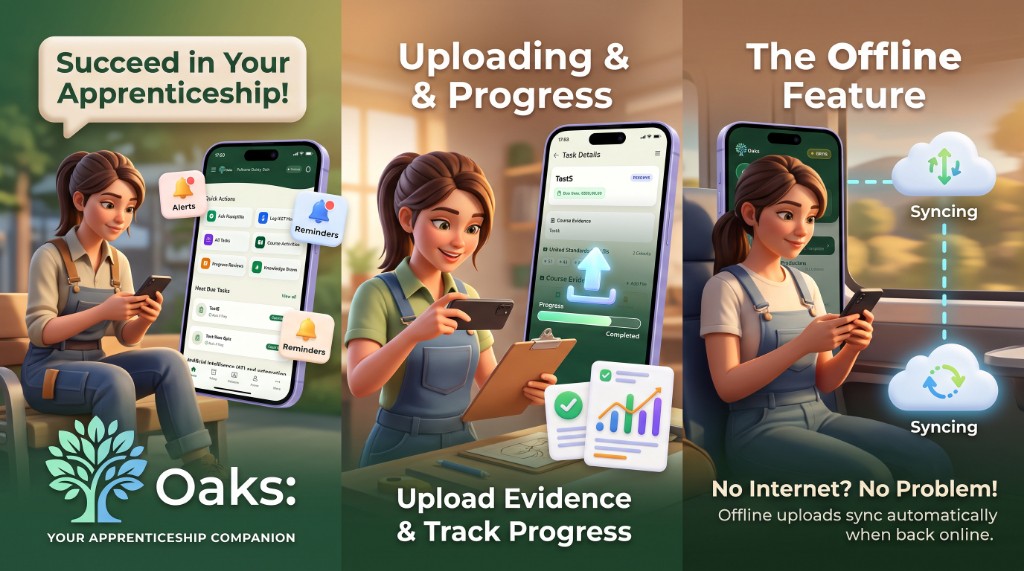
- See their tasks, upload evidence and follow their progress.
- Get reminders and alerts for what is due.
- Upload evidence with no internet. It syncs on its own when they are back online.
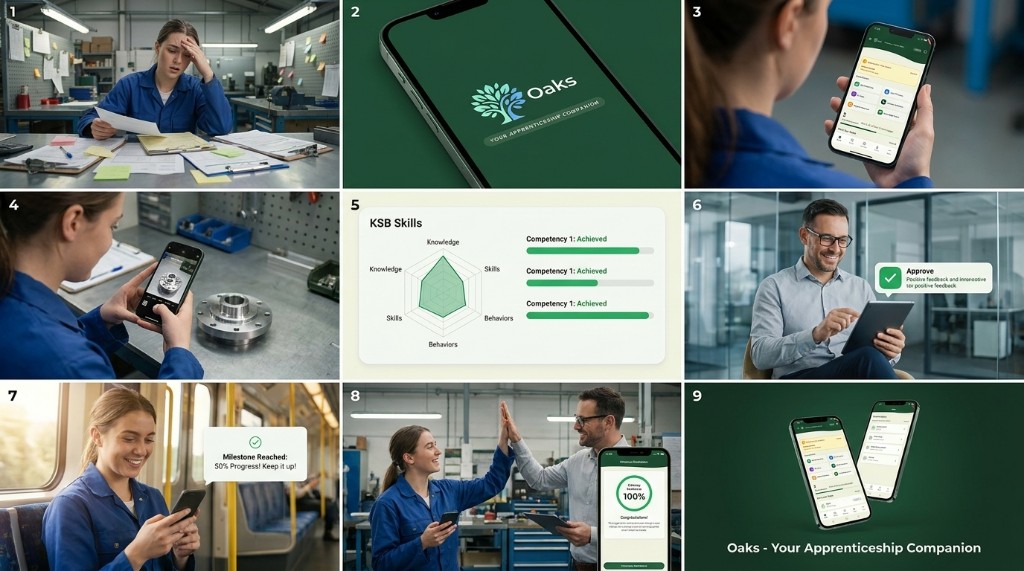
The Oaks app is for learners. 2027 is the year we test it with them, and listen.